Overdue invoices and reminders
See what is late, and let the app send a polite reminder.
An invoice becomes overdue the day after its due date while money is still owing. It shows in red on the invoices list, and the invoice itself says how much was due and when.
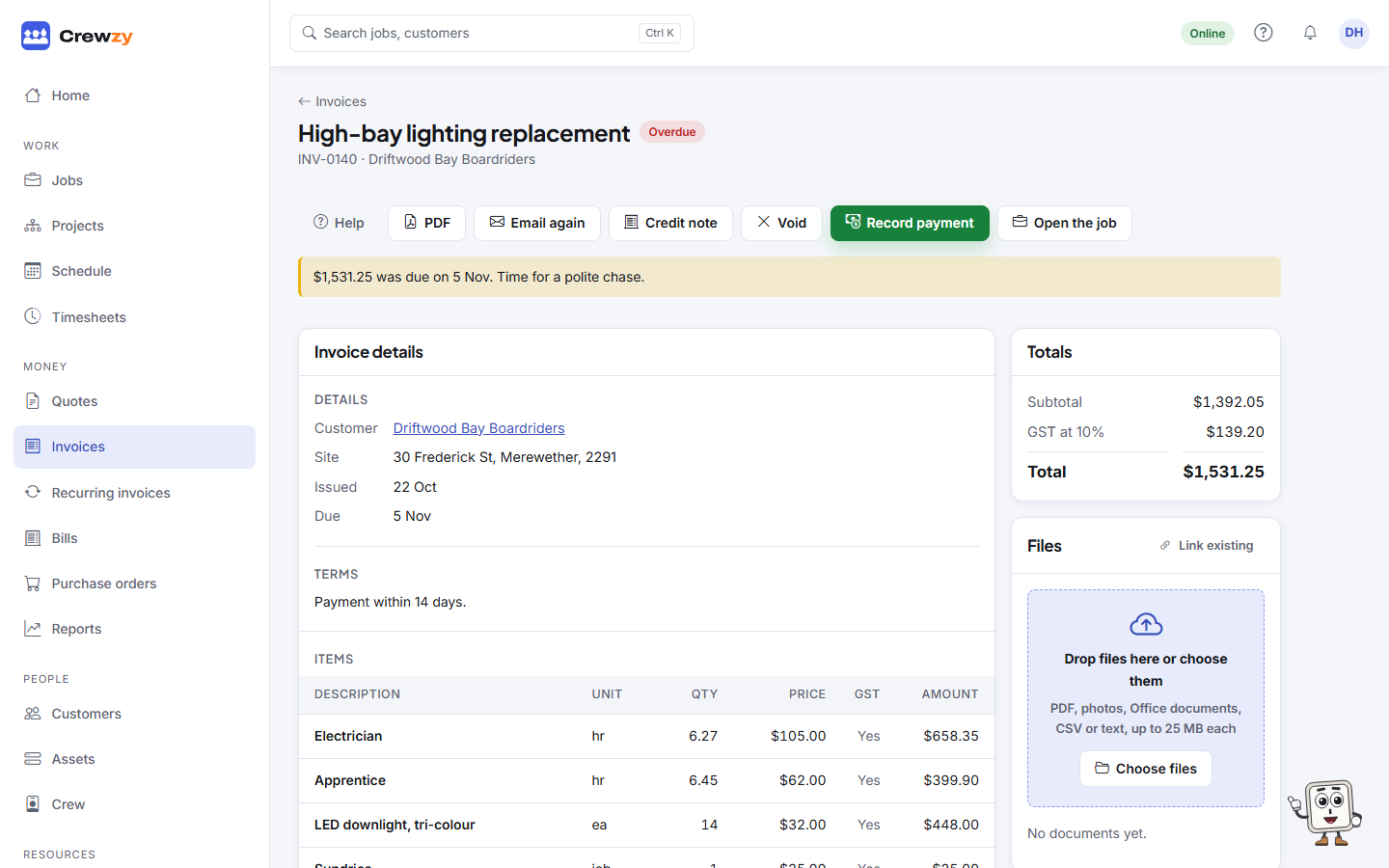
Where to see what is owed
- Home, Owed to you: the total owing, how much of it is overdue, and the oldest unpaid invoices.
- Money, Invoices: the Owed to you and Overdue figures at the top. Pick overdue under Status to see only those.
- A customer's page shows what they owe under Owing now on its Overview tab, and in the Payment record box on its Money tab.
Automatic reminders
Go to Settings, Business details, Chasing customers, and tick Email a reminder when an invoice goes past its due date.
- Each customer is emailed once per invoice, never repeatedly.
- Every reminder is recorded in the invoice's Email history.
- The wording is under Settings, Emails, Reminder: an overdue invoice.
Chasing by hand
Open the invoice and press Email again to send it once more with a personal message, or pick up the phone. Their number is in the Contact box on the customer's Overview tab.