The invoices list
What is owed, what is overdue, and finding any invoice.
Go to Money, Invoices.
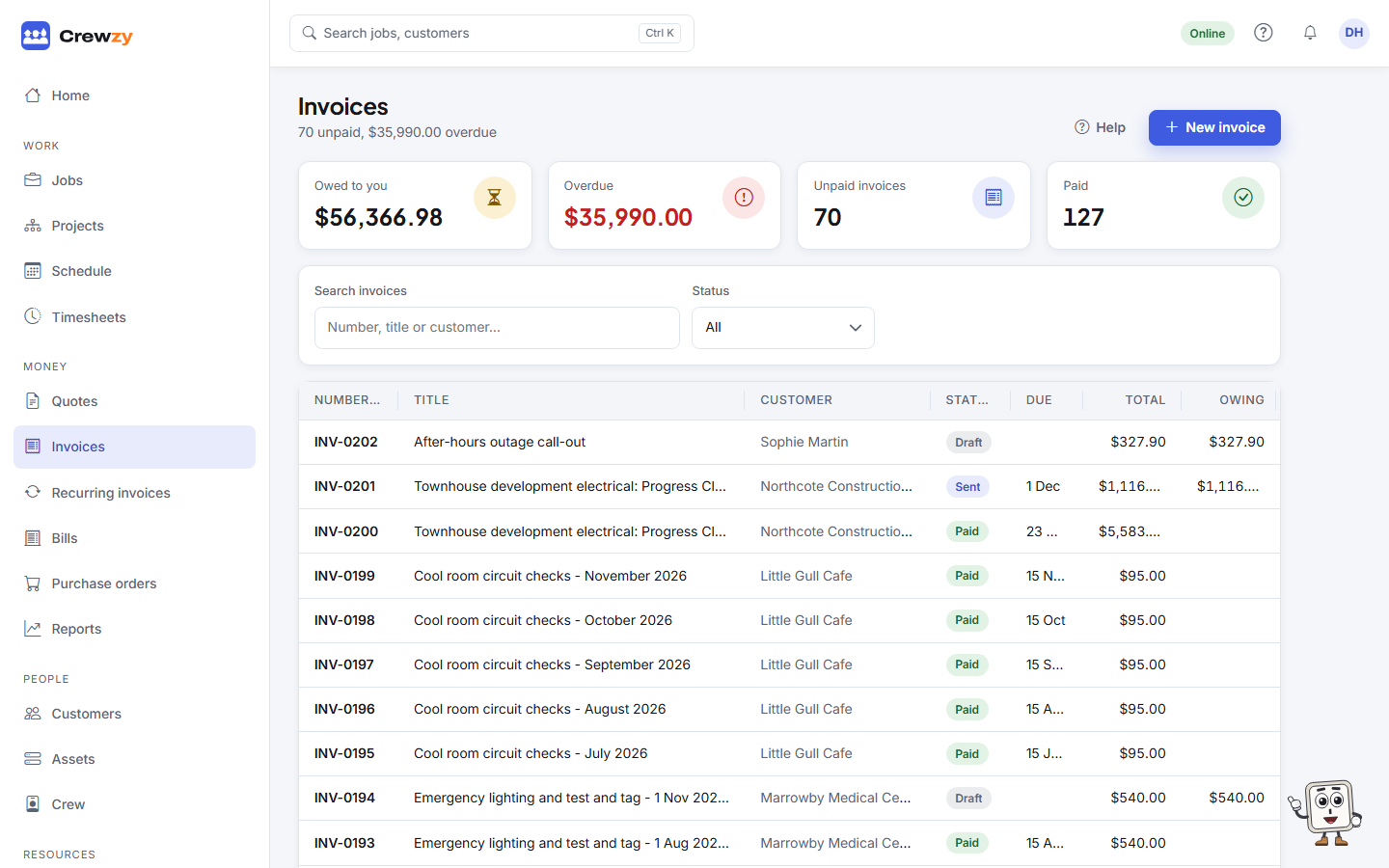
The figures at the top
- Owed to you: everything sent and not yet paid.
- Overdue: the part of that past its due date.
- Unpaid invoices and Paid: how many of each.
The figures cover every invoice the list could show, not just the page on screen.
Find an invoice
- Search invoices by title, customer or number, such as
INV-0042or just42. - Pick a Status: unpaid shows everything with money owing, or pick draft, sent, part paid, paid, overdue, credited or void.
- Click a column heading to sort by it.
- To see one customer's invoices, open the customer, choose their Money tab and press In the invoices list on the Invoices box. Show all customers clears it.
Progress claims issued on a project are listed here too, under their invoice numbers, and so are RCTIs recorded from a builder. Open one and Open the claim takes you to its claim.
25 invoices show at a time. Move through the pages at the bottom, or show 50 or 100 per page.
| Status | Means |
|---|---|
| draft | Not sent, still changeable |
| sent | With the customer, nothing paid yet |
| part paid | Some paid, some owing |
| paid | Paid in full |
| overdue | Past its due date with money owing |
| credited | Taken off in full by credit notes |
| void | Withdrawn. It keeps its number and owes nothing |