Paying by saved card
Let customers save a card once, and charge it each time a recurring invoice is sent.
For regular billing, the easiest way to get paid is to take the payment when each invoice is issued. With a saved card, your customer pays once by hand and every later invoice is paid automatically.
This works with a connected Stripe account. See Take card payments online.
Turn it on
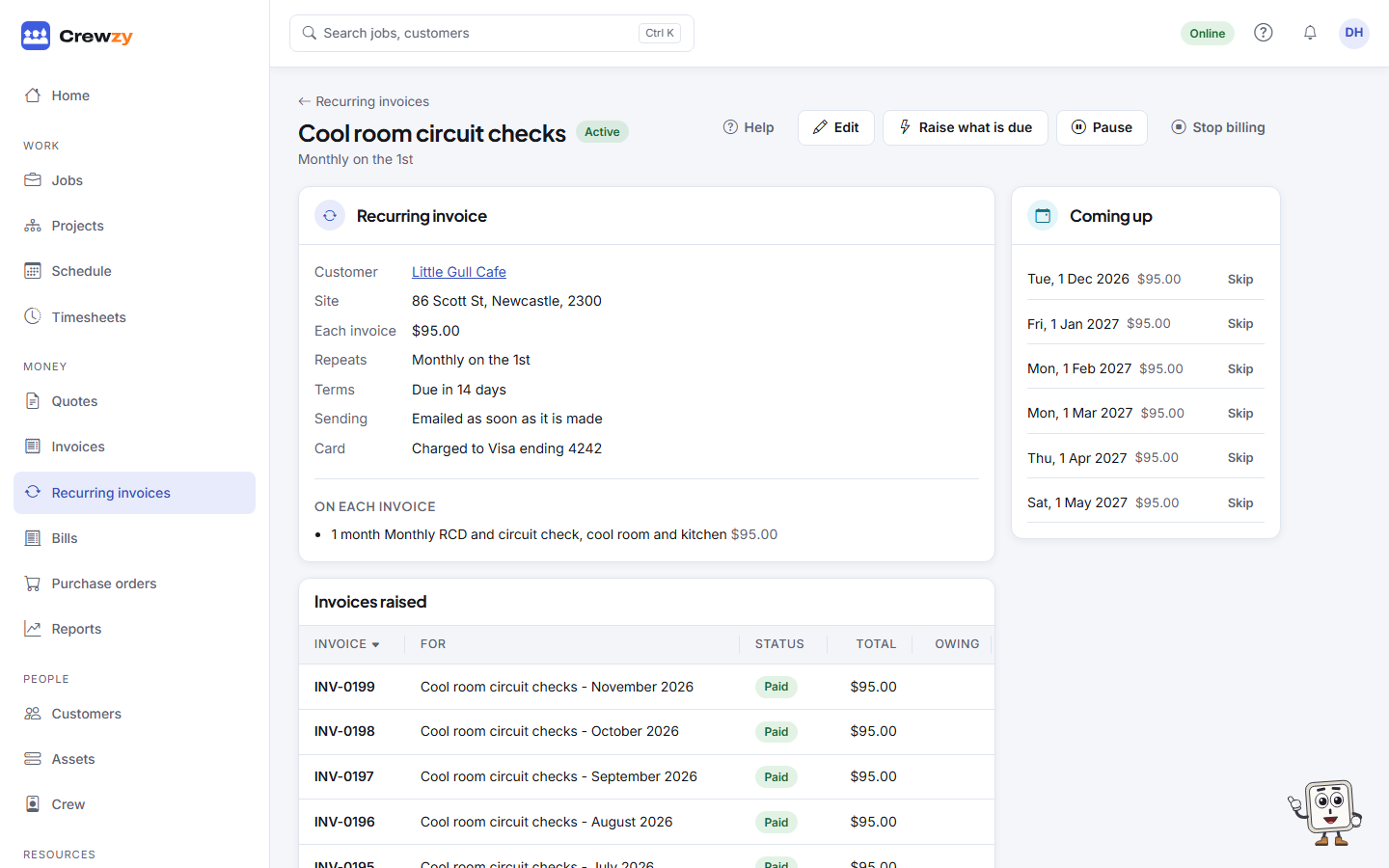
- On the recurring invoice, tick Charge the customer's saved card when each invoice is sent. It needs the invoice to be emailed straight away, not left as a draft.
- Send the customer their next invoice as usual.
- On the pay link, the customer sees a box: "Save my card and let (your business) charge it for their future invoices to me when each one is issued. I can ask them to stop at any time." They tick it and pay.
From then on, each invoice is charged to the card as soon as it is sent. The invoice email tells the customer it will be paid from their saved card, and they get a receipt.
What is kept
The card itself stays with Stripe. We keep only Stripe's reference to it and a label such as "Visa ending 4242", which shows on the customer's page and the recurring invoice. One card per customer: saving another replaces it.
Stop charging a card
On the customer's Money tab, press Remove card in the Recurring billing box and confirm. Later invoices go out with their pay link as normal.