A change made offline was not accepted
Why a worker's change from the phone can be refused, and what to do.
Much of what a worker does on a job works without signal: clocking on and off, finishing the job, adding parts and notes, taking a photo of the job, submitting a site form, photographing a supplier docket and speaking a job sheet. These are saved on the phone and sent later. Occasionally, by the time they arrive, the job has changed. For example:
- the office took the worker off the job
- the job was cancelled by the head contractor
- the job was already finished by someone else
Then the change cannot be accepted.
On the phone
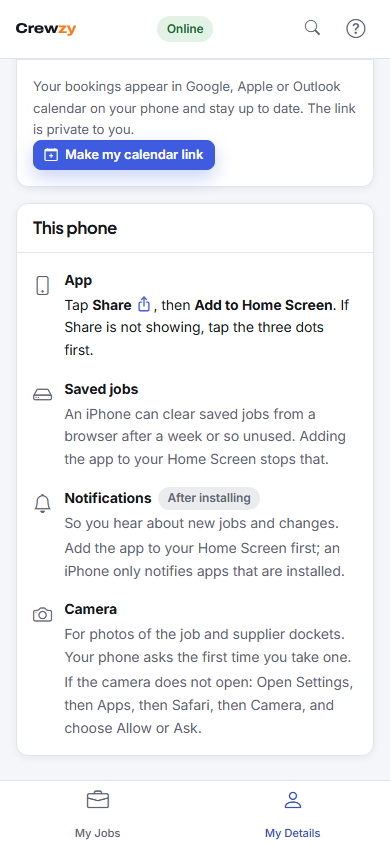
A banner says how many changes were not accepted. Tapping it opens My Details, where each one is listed under This phone with what it was, such as "Clock off" or "Note", and the reason. The worker can press Try again once the problem is sorted, or Dismiss it.
In the office
You get a notification when a worker's change is refused. The usual fix is to put the worker back on the job, or add the time by hand on the job or the timesheets.
"Sign in again to send these"
If a worker's sign-in ran out while they were offline, their changes wait on the phone until they sign in again. Nothing is lost.