A customer did not get an email
Check whether it was sent, and the usual reasons it did not arrive.
Was it sent?
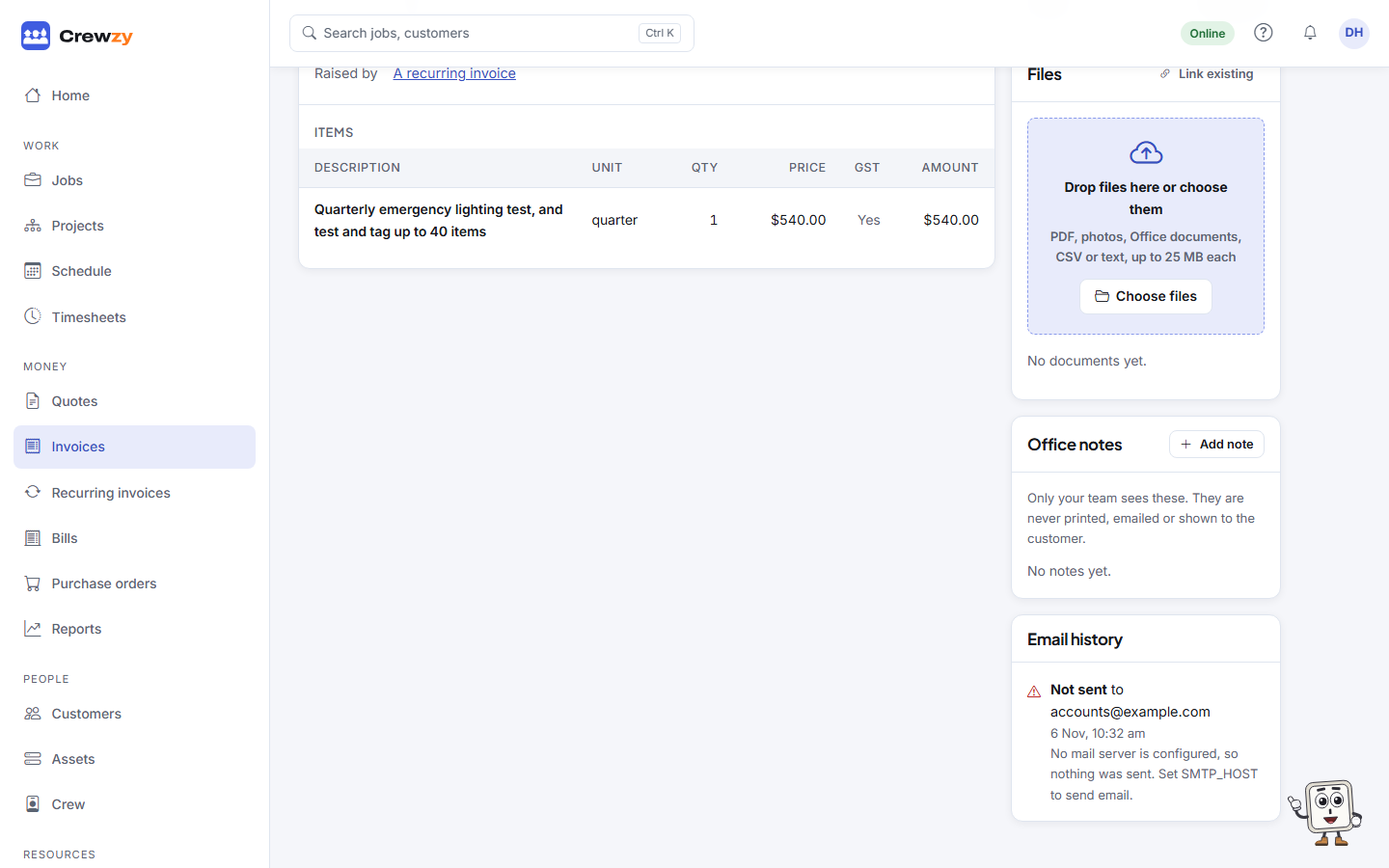
Open the quote, invoice or progress claim and look at Email history. Every email is listed with where it went and whether it was sent. If it failed, the reason is shown.
Common reasons
- The address is wrong. Open the customer, press Edit customer to fix it, then go back to the document and press Email again.
- It went to junk. Ask the customer to check their junk or spam folder, and to add your address to their contacts.
- It went to the wrong person. Big customers often have an accounts address. Type it in the To box when you press Email again.
- No email on file. The send form asks you to type one.
Reminders and receipts
Automatic reminders are sent once per invoice or quote, and only if they are turned on under Settings, Business details, Chasing customers. Receipts are sent for each payment unless you untick Email the customer a receipt when recording it.