Customer emails
Change the wording of the emails that carry your quotes, invoices, claims, receipts and reminders.
Go to Settings, Emails. Every email your customers get uses the same layout, with your logo and colour. You can change the words; the layout, the button, the summary and the payment details stay as they are.
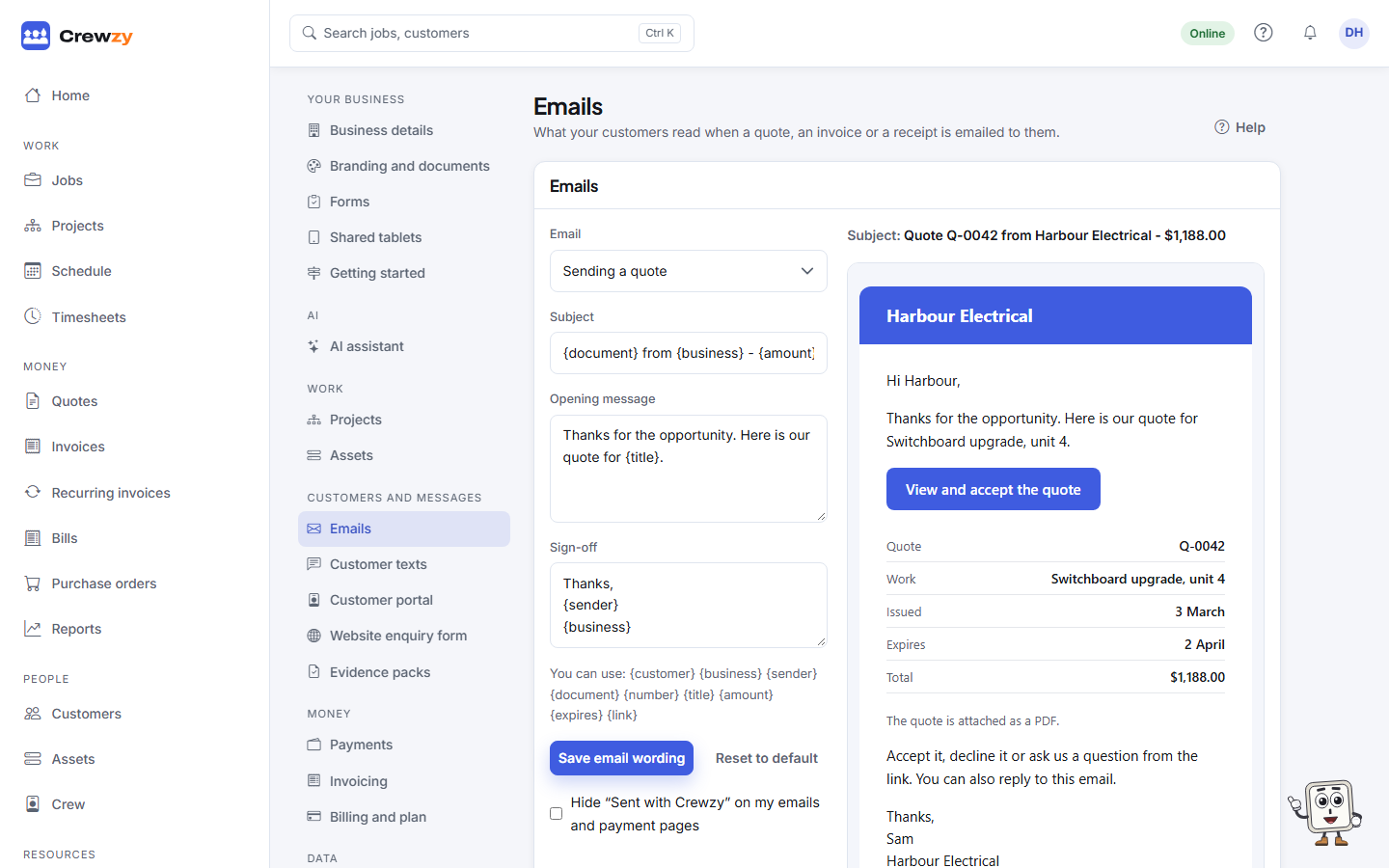
Change an email
- Pick the Email to change: - Sending a quote - Sending an invoice - Sending a recurring invoice - Reminder: a quote about to expire - Reminder: an overdue invoice - Receipt for a payment - Sending a credit note - An automatic card payment that did not go through - Sending a customer their portal link - Sending a purchase order to a supplier - Replying to a question on a quote - Sending a completed site form - Sending an evidence pack - Thanking someone for a website enquiry - Sending a progress claim
- Change the Subject, Opening message and Sign-off. The preview shows the email as it will arrive.
- Use placeholders to fill in details for each customer, such as
{customer},{number},{amount}or{due}. The list under the fields shows which ones that email can use. - Press Save email wording.
To go back to the standard wording, press Reset to default.
"Sent with Crewzy"
Customer emails and the quote and pay pages carry a small "Sent with Crewzy" line. On the Unlimited plan, you can tick Hide "Sent with Crewzy" on my emails and payment pages.