I cannot see something in the menu
Why a menu item or a button might be missing, and how to get it back.
Work through these in order.
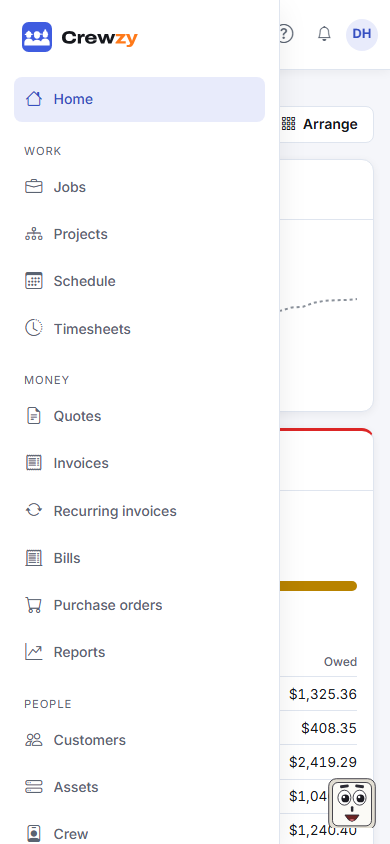
- The section is turned off. An owner may have hidden it under Settings, Menu sections. Hidden sections leave the menu and search for everyone, but their pages still open from a link. Ask an owner to tick it again. See Menu sections.
- Your role does not include it. For example, only owners see the takings on Home, only owners can change the crew or the plan, and Bills, Purchase orders, Suppliers, Reports and Projects are for the office and owners. See Roles and who can do what.
- You are in the wrong business. If you belong to more than one, check the Which business picker at the top of the screen.
- You are on a phone. On a small screen the menu is behind the menu button at the top left.
- Your plan does not include it. Projects shows Connected beside it in the menu on the Base plan: its page says what that plan adds. See Billing and your plan.
- The business is locked. If the plan has lapsed, only billing and export are open. See Locked out.
- AI is switched off. The assistant in the corner and the AI buttons only show while an owner has AI on under Settings, AI assistant.