Roles and who can do what
What owners, office staff and workers can each see and change.
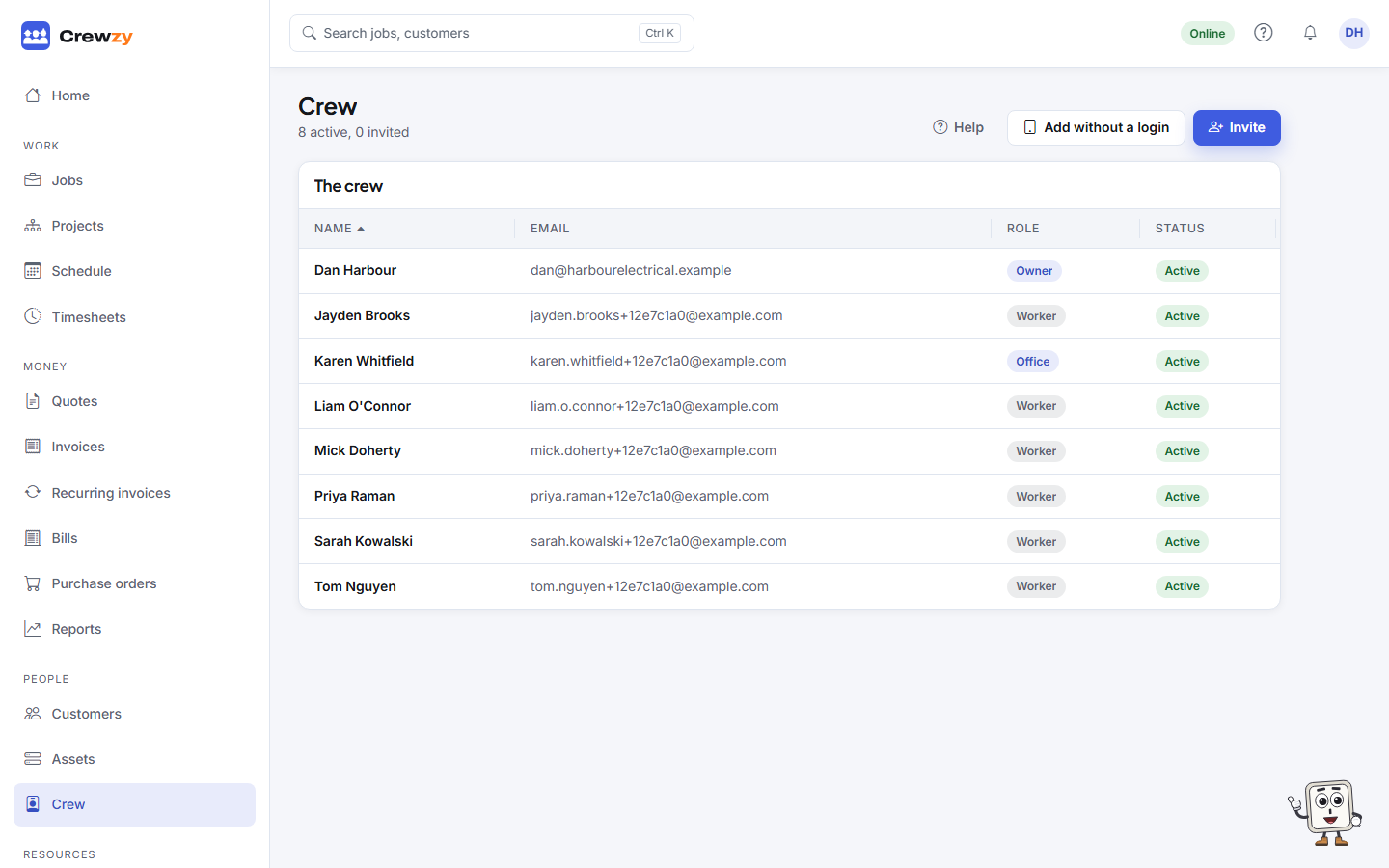
There are three roles, on purpose: a worker does their own jobs, the office runs the week, and the owner owns the business. Change someone's role under People, Crew (owners only).
| What | Worker | Office | Owner |
|---|---|---|---|
| Their own jobs: clock on and off, parts, photos, forms, sign-off | Yes | Yes | Yes |
| Notes on the jobs they are booked on | Yes | Yes | Yes |
| Every job, the board and the schedule | Yes | Yes | |
| Adding and correcting anyone's time | Yes | Yes | |
| Customers, quotes, invoices and recurring invoices | Yes | Yes | |
| Notes on customers, invoices and quotes | Yes | Yes | |
| Projects, variations and progress claims | Yes | Yes | |
| Suppliers, purchase orders and bills | Yes | Yes | |
| Price list, vehicles and equipment, documents | Yes | Yes | |
| Job costing and the profit report | Yes | Yes | |
| Branding, emails and customer texts | Yes | Yes | |
| Takings, money owed and profit on Home | Yes | ||
| Business details, tax and costing defaults | Yes | ||
| Switching AI on or off, and connecting Xero | Yes | ||
| The crew and their roles | Yes | ||
| Plan and billing | Sees it | Yes | |
| Menu sections, export and closing the business | Yes |
Workers never see prices, costs, profit, other people's jobs, customers' phone numbers, or the office's notes on customers, invoices and quotes.
Only owners can bring a file in through Import. The office can check a file first.