Menu sections
Turn off the parts of the menu your business does not use.
Not every business quotes, keeps timesheets or has vehicles. An owner can take those parts out of the menu for everyone, so it only shows what you use.
Go to Settings, Menu sections.
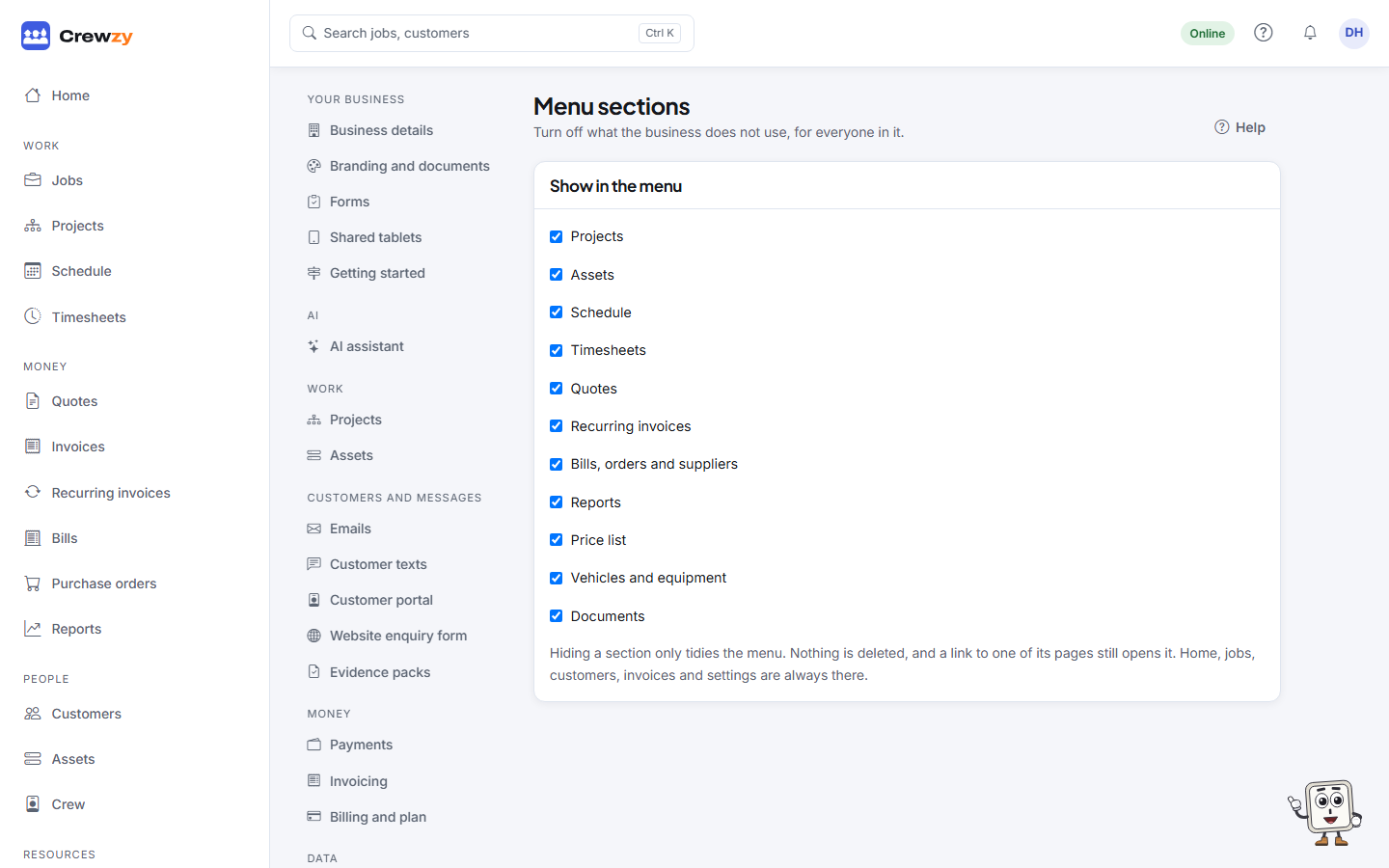
Untick a section to hide it. It saves straight away. You can hide:
- Projects
- Schedule
- Timesheets
- Quotes
- Recurring invoices
- Bills, orders and suppliers
- Reports
- Price list
- Vehicles and equipment
- Documents
Home, Jobs, Invoices, Customers, Crew and Settings are always there. Projects, and bills, orders and suppliers, also need a role that can use them, so workers never see them.
What hiding does
- The section leaves the menu for everyone in the business.
- Its records leave search.
- Nothing is deleted, and nothing stops working. A page still opens from a link, and a job still keeps its documents.
Tick it again to bring it back.