Search everything
Find any job, customer, quote, invoice or document from any screen.
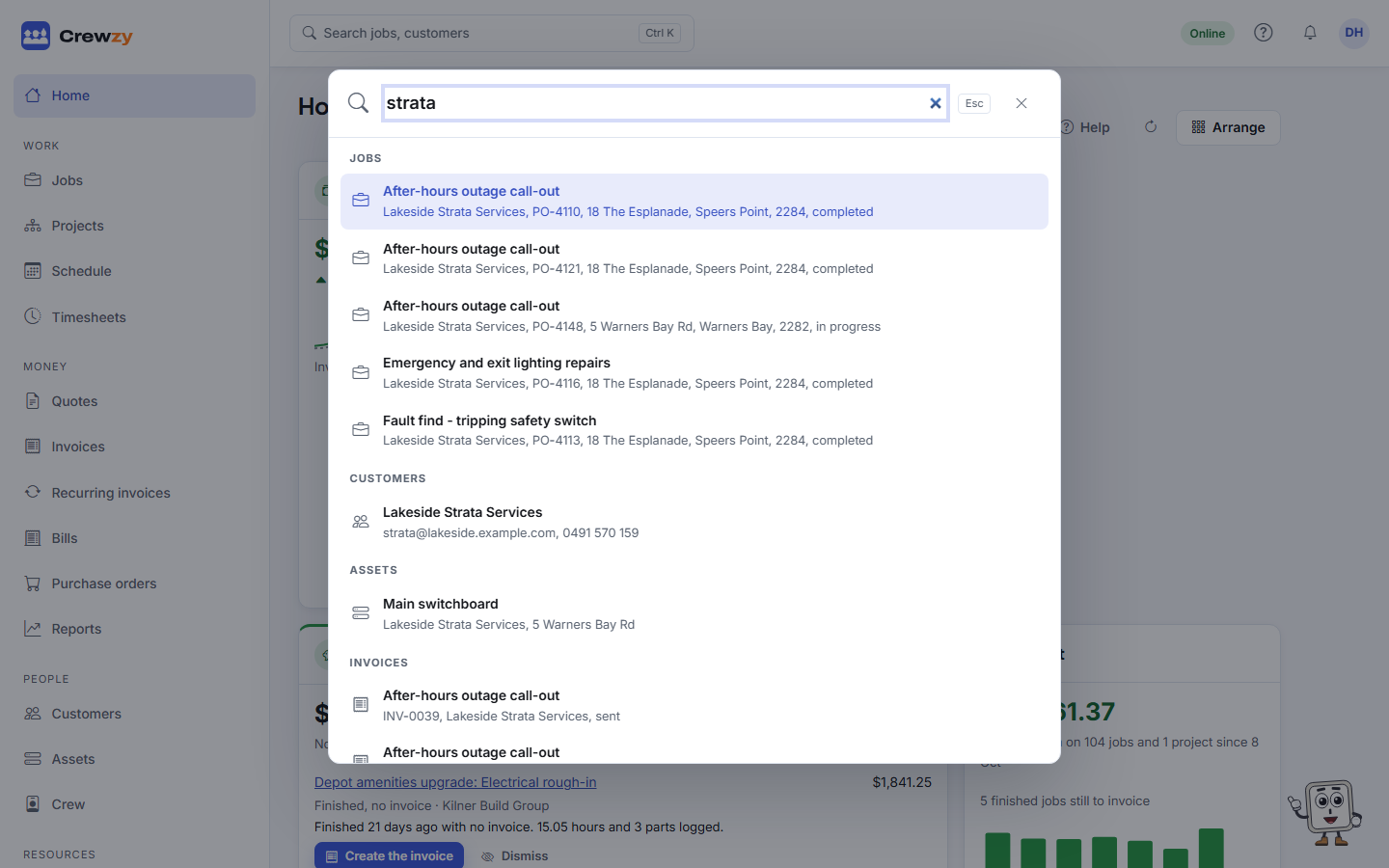
The search box at the top of every screen finds anything in the business. Click it, press Ctrl K (Cmd K on a Mac), or press /.
What it finds
Jobs, customers, sites, quotes, invoices, crew, price list items, vehicles and documents. Type part of a name, an address or a reference.
Numbers work too: 1042, Q-12 or INV-7 find that quote or invoice.
Use the arrow keys to move through the results and Enter to open one. Recently opened records and your recent searches show before you type.
For workers
On a phone, workers tap the search button at the top. They only find jobs they are booked on, and documents filed on those jobs or on themselves.