Turn a quote into a job
Record a yes by hand if needed, then make the job with the quoted lines carried across.
When the customer said yes by phone or in person
Open the sent quote and press Accepted. Type Who accepted it? and confirm. On a quote with options, choose Which option? and tick any Optional lines they want too. If they said no, press Declined.
A quote made from a project cannot be turned into one job: when it is accepted, it sets the project's contract instead. See Quote a project and agree the contract.
Make the job
Open the accepted quote and press Turn into a job. The new job opens, for the same customer and site, with every quoted line carried across as its parts and materials. Nobody types it twice. On a quote with options or optional lines, only the option the customer accepted and the extras they ticked come across.
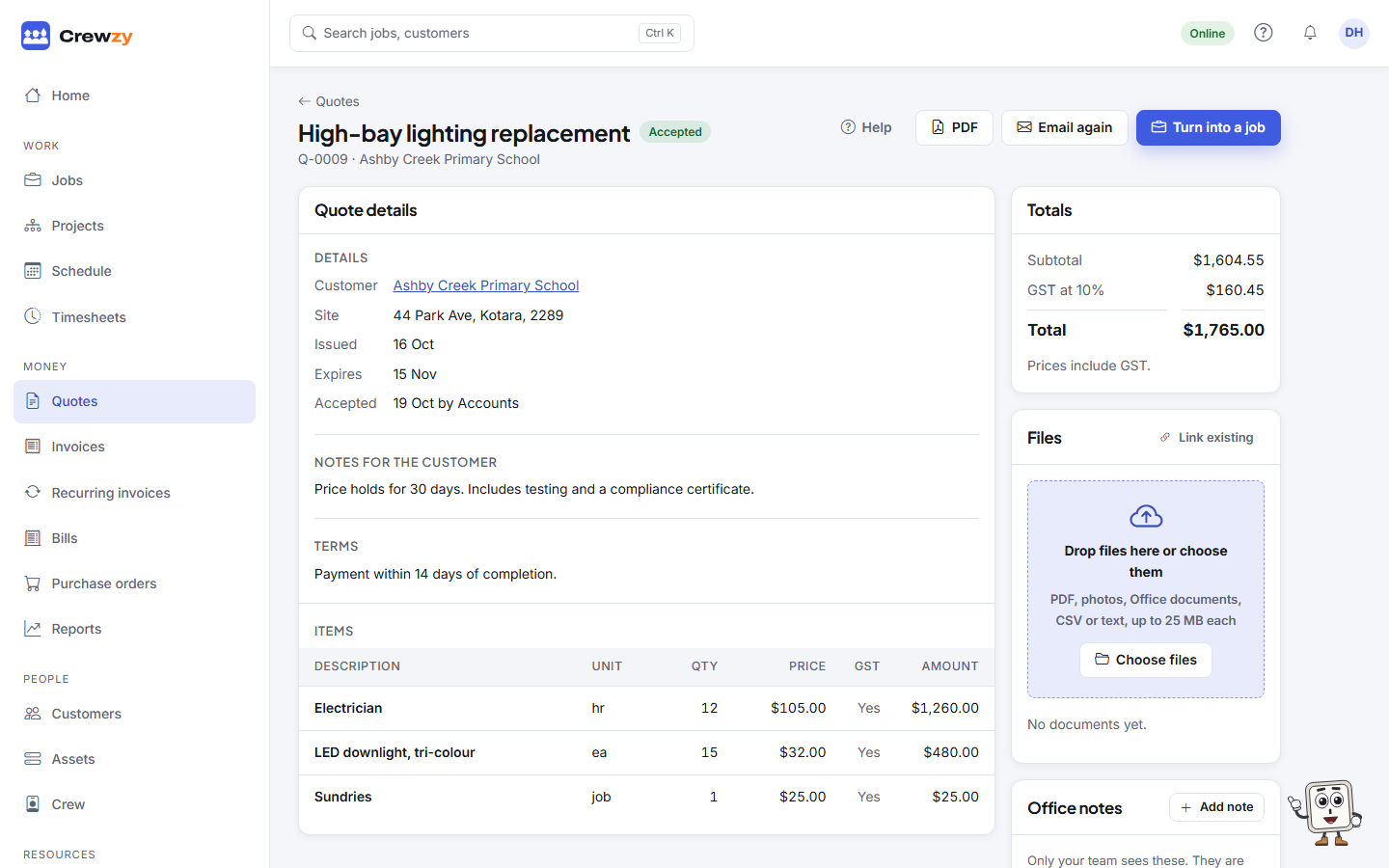
The quote moves to converted, and Open the job takes you to it from then on. Now book the job in and assign the crew as usual.
Quoted against actual
Because the job knows its quote, the Costing box on the job's Time & costs tab shows what was quoted against what the job actually cost. The Profit by job report shows the same across all your jobs.