Answer customer questions on a quote
Reply to a question from the quote link, in the same thread.
When a customer asks a question from their quote link, the quote shows a Question waiting tag, it appears on Home under Customer questions, and the owners and office get an email and a notification.
Reply
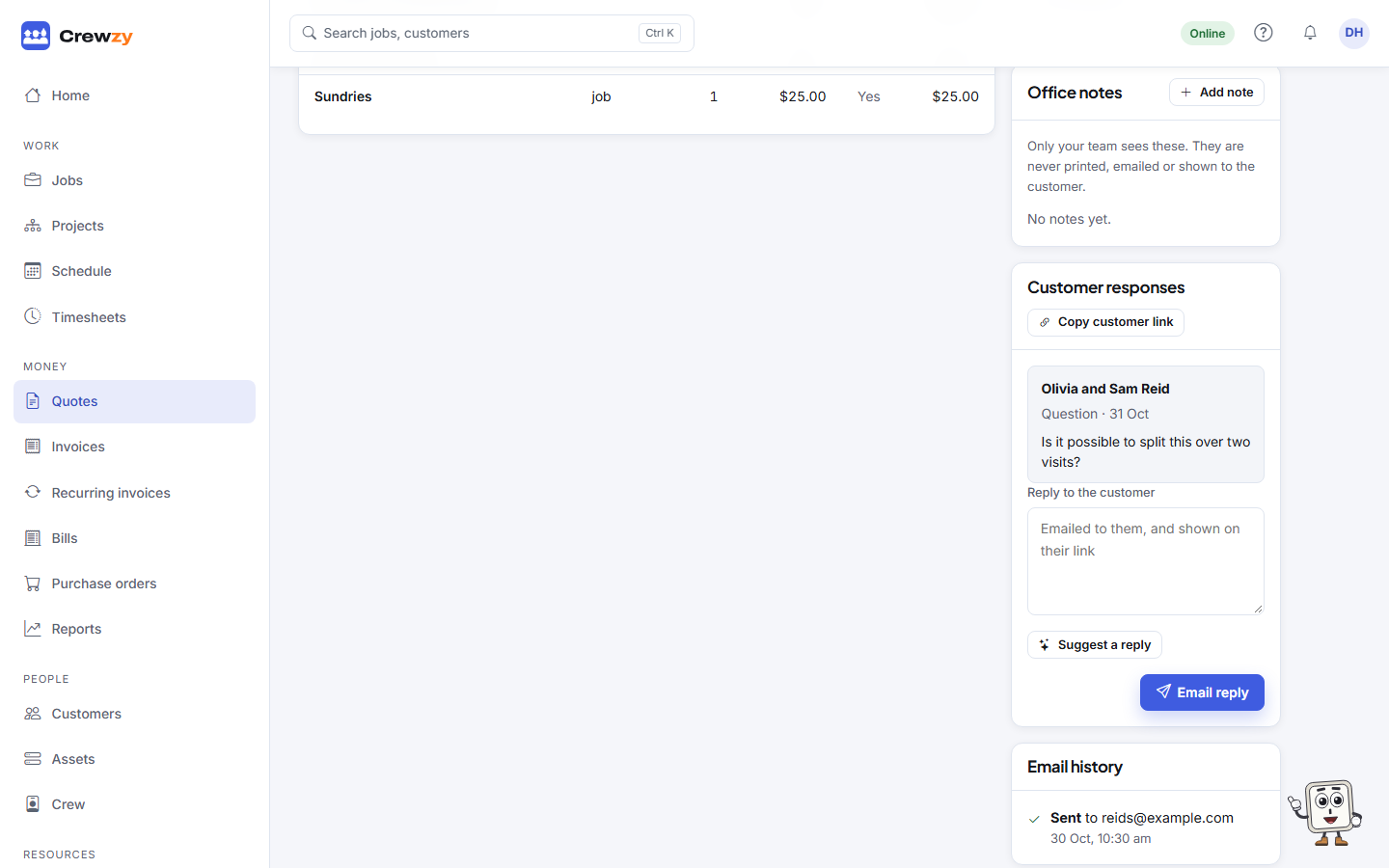
- Open the quote. The question is in the Customer responses card.
- Type your answer under Reply to the customer.
- Press Email reply.
Short on time? Press Suggest a reply and the assistant drafts one for you to check. See Suggested replies.
The reply is emailed to the customer and shown on their quote link, so the whole conversation stays in one place. The Question waiting tag goes once you have replied.
Need to change the price?
A sent quote cannot be edited. Create a new quote with the change and send that one.