The labour rate on job invoices
Choose which labour rate a job's hours are charged at when you invoice it.
When you press Invoice this job, the hours worked go on the draft as one labour line. This setting decides the rate that line is charged at. If you give people their own charge rates, it is the rate for anyone without one. See Charge each person at their own rate.
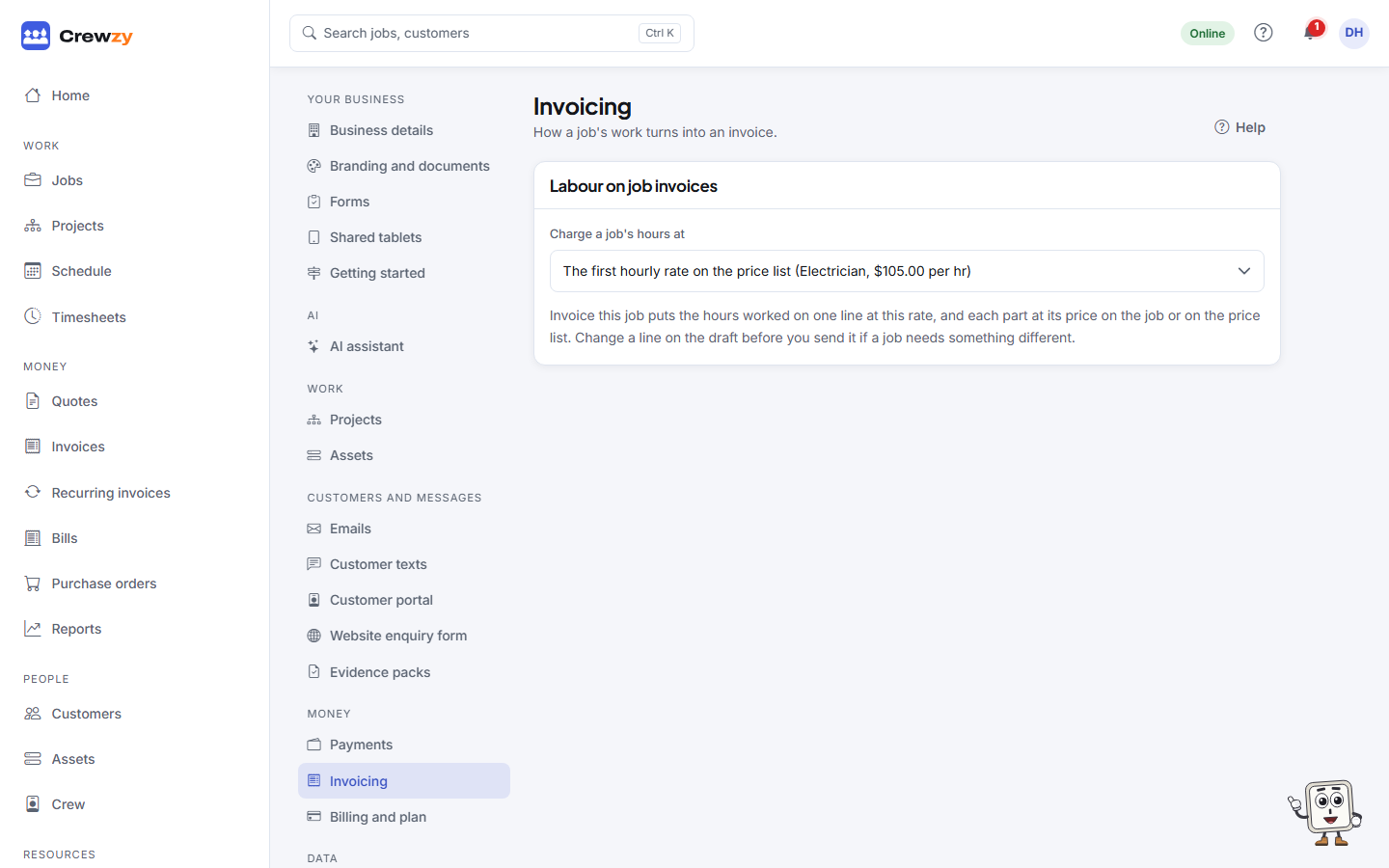
Go to Settings, Invoicing, and choose a rate under Charge a job's hours at. It saves straight away.
Where the rates come from
The list is the labour rates on your price list. To add or change a rate, change it there.
Until you choose one, the first hourly rate on your price list is used. For a new business that is the trade rate, not the apprentice rate.
When a job needs a different rate
Give each person their own charge rate, or set a rate on one time entry, and their hours go on a line of their own. See Charge each person at their own rate.
The invoice is a draft until you send it, so you can still change any line before you send it.
Only the office and the owner can change this setting.