What each job status means
New, accepted, in progress, completed and the rest, and what moves a job between them.
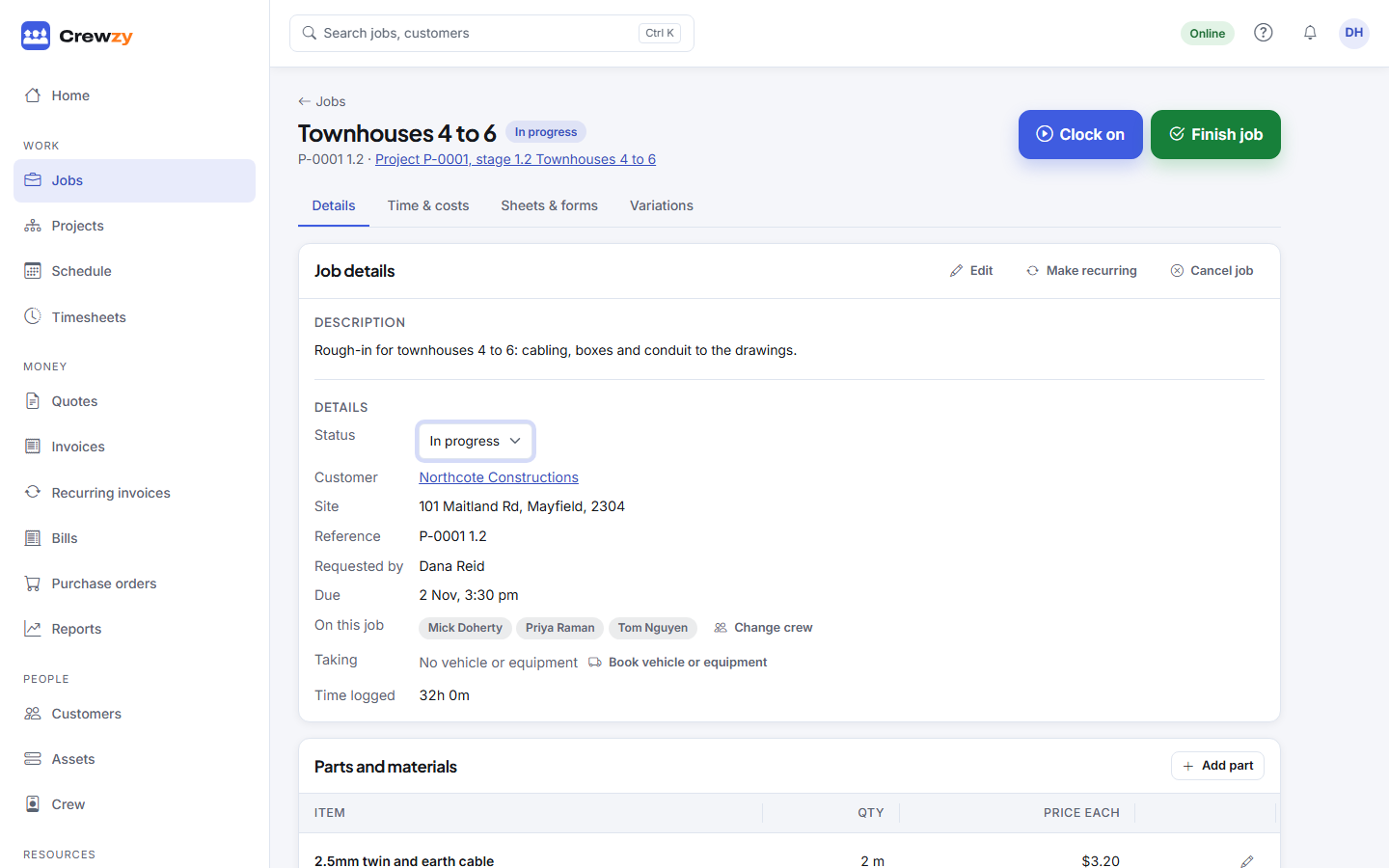
Every job has one status. Most of the time the status changes by itself, from what the crew do on their phones. The office can also change it on the job page with the Status control, or by dragging the card on the board.
| Status | Means | How it gets there |
|---|---|---|
| new | Just added, not started | Adding a job, importing one, or a repeating job making its next visit |
| accepted | Agreed and waiting to be done | Booking someone on it, choosing it in Status, dragging it to To do, or a head contractor's job you have accepted |
| in progress | Someone has started | A worker clocks on, or you choose it in Status or drag it to In progress |
| completed | The work is done | A worker presses Finish and Mark complete, or you choose it in Status or drag it to Finished |
| approved | The head contractor has signed it off | Set by the head contractor's system |
| closed | Finished with | Set by the head contractor's system |
| rejected | The head contractor refused the work | Set by the head contractor's system |
| cancelled | Not going ahead | Cancel job on the job page, or cancelled in the head contractor's system |
Change a status by hand
Open the job and choose from Status in the job details. It only offers the moves that make sense from where the job is: open work moves between the stages, a completed job can be reopened or closed, and a cancelled job can be put back to new.
Cancel a job
Press Cancel job in the job details and, if you like, say why. The reason shows on the job. A cancelled job leaves the board and the schedule and has no clock or invoice buttons, but its time, parts and files are kept. To bring it back, choose New from Status, and its bookings return with it.
Finished jobs
A job that is completed, approved, closed or cancelled counts as finished. On a completed, approved or closed job the clock buttons are replaced by Invoice this job, and it moves to the Done list on the worker's phone.
Jobs from a head contractor
A job that came from a head contractor's Simpro follows their rules. Approving, rejecting and closing are theirs to do, so those columns on the board will not take a card you drag. Your time and sign-off are sent back to them. See Connect a head contractor.
Where to see a status
The status shows as a coloured tag on the job page, the jobs list and the worker's phone. On the board, the column is the status.