Getting paid online
The pay link your customer opens, and what happens when they pay.
Every sent invoice has a private pay link, in the email that carries it. Your customer opens it without an account.
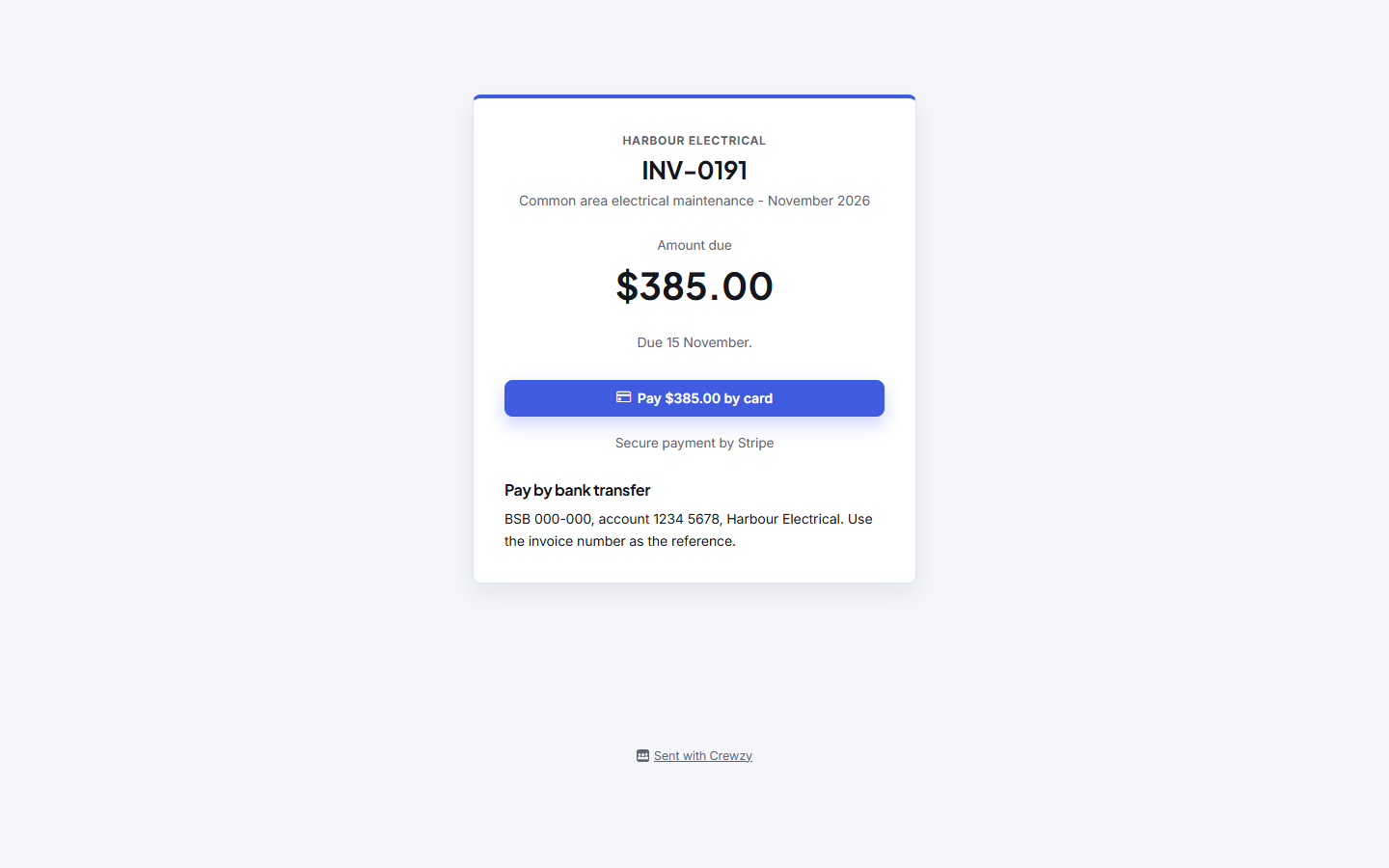
What the customer sees
- the invoice, with what is owing
- the ways to pay you have turned on, in your order: card through Stripe, or Pay via Xero
- Pay by bank transfer, with your "How to pay" details, always
- any documents you chose to share, and the job's timesheet if you chose to show it
If you have no payment account connected, the page shows your bank details only.
When they pay
- The payment is recorded on the invoice, which shows paid (or part paid if they paid some of it).
- The customer is emailed a receipt.
- The payment goes to Xero if connected.
- The owners get a notification.
The money goes to your own Stripe account, or whichever payment account you connected. Refunds and disputes are handled in that provider's dashboard.