The setup checklist and guided setup
What to set up before your first invoice, and how guided setup walks you through it.
The checklist lives under Settings, Getting started. Until the five needed steps are done, it is also linked at the top of the menu with a count, such as "3 of 5".
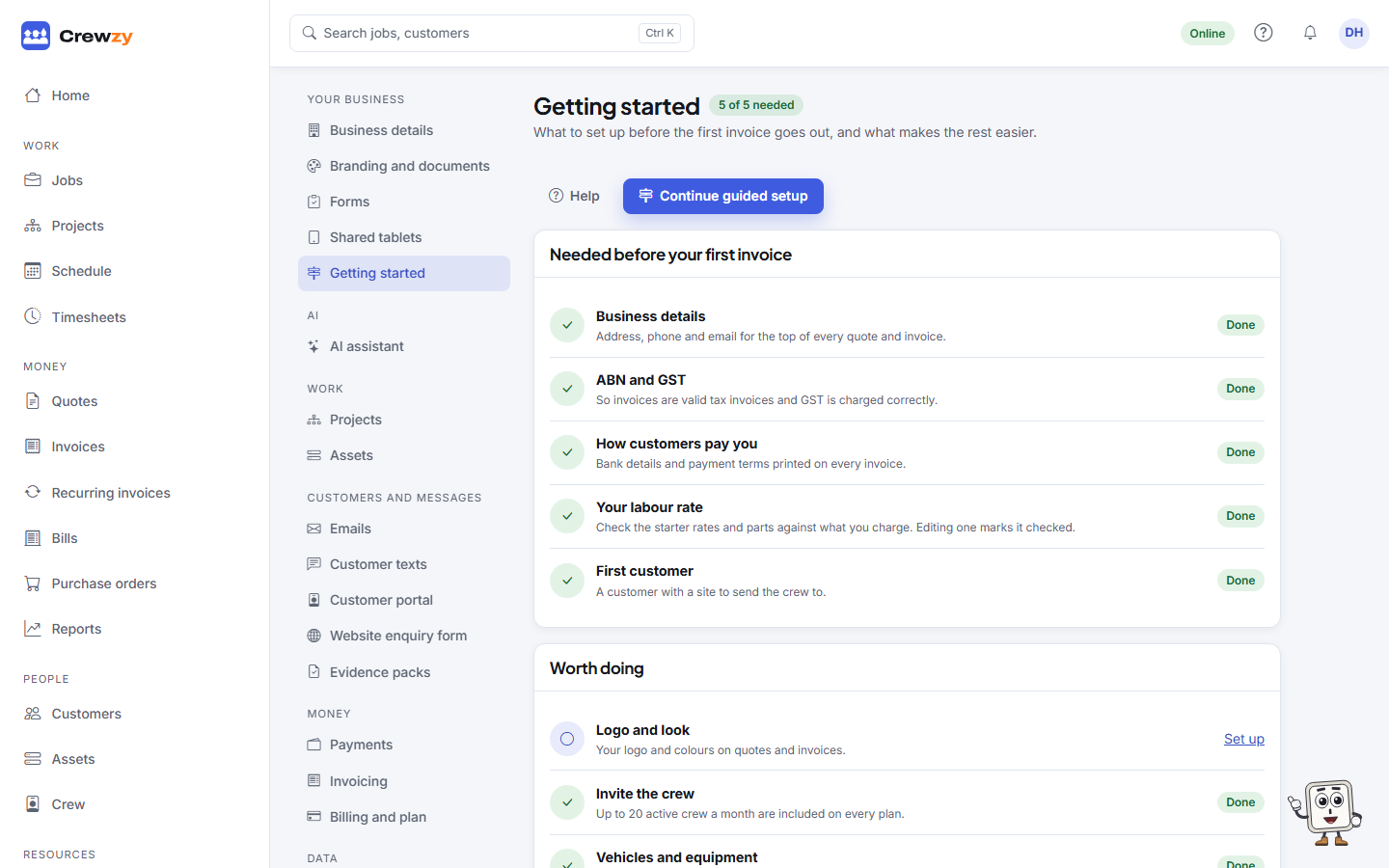
What is needed before your first invoice
| Step | Why | Where |
|---|---|---|
| Business details | Your address, phone and email go at the top of every quote and invoice | Settings, Business details |
| ABN and GST (Tax number outside Australia) | So invoices are valid tax invoices and GST is charged correctly | Settings, Business details |
| How customers pay you | Bank details and payment terms printed on every invoice | Settings, Branding and documents |
| Your labour rate | The starter rates are a guess. Editing one marks it checked | Resources, Price list |
| First customer | A customer with a site to send the crew to | People, Customers |
The checklist reads each step from what is actually set up, so a step ticks itself off as soon as the details are there. Nothing needs to be marked done by hand.
Worth doing
The second list is optional: Logo and look, Invite the crew, Vehicles and equipment, Connect Xero, Connect a head contractor and Choose a plan.
Guided setup
Press Start guided setup (or Continue guided setup) and you are taken to each screen in turn, with a bar across the top saying which step you are on.
- Fill in what the step asks for on that screen. The bar marks the step needed, optional or done.
- Press Next step once it shows done, or Skip for now to come back to it later.
- Press the Checklist link in the bar at any time to see the whole list again.
When you reach the end, the checklist tells you whether anything was skipped. Guided setup always picks up at the first step not yet done.