Pause, skip or stop a recurring invoice
Hold billing for a while, leave out one period, or end it for good.
Open the recurring invoice. The buttons are at the top, and the next periods are under Coming up.
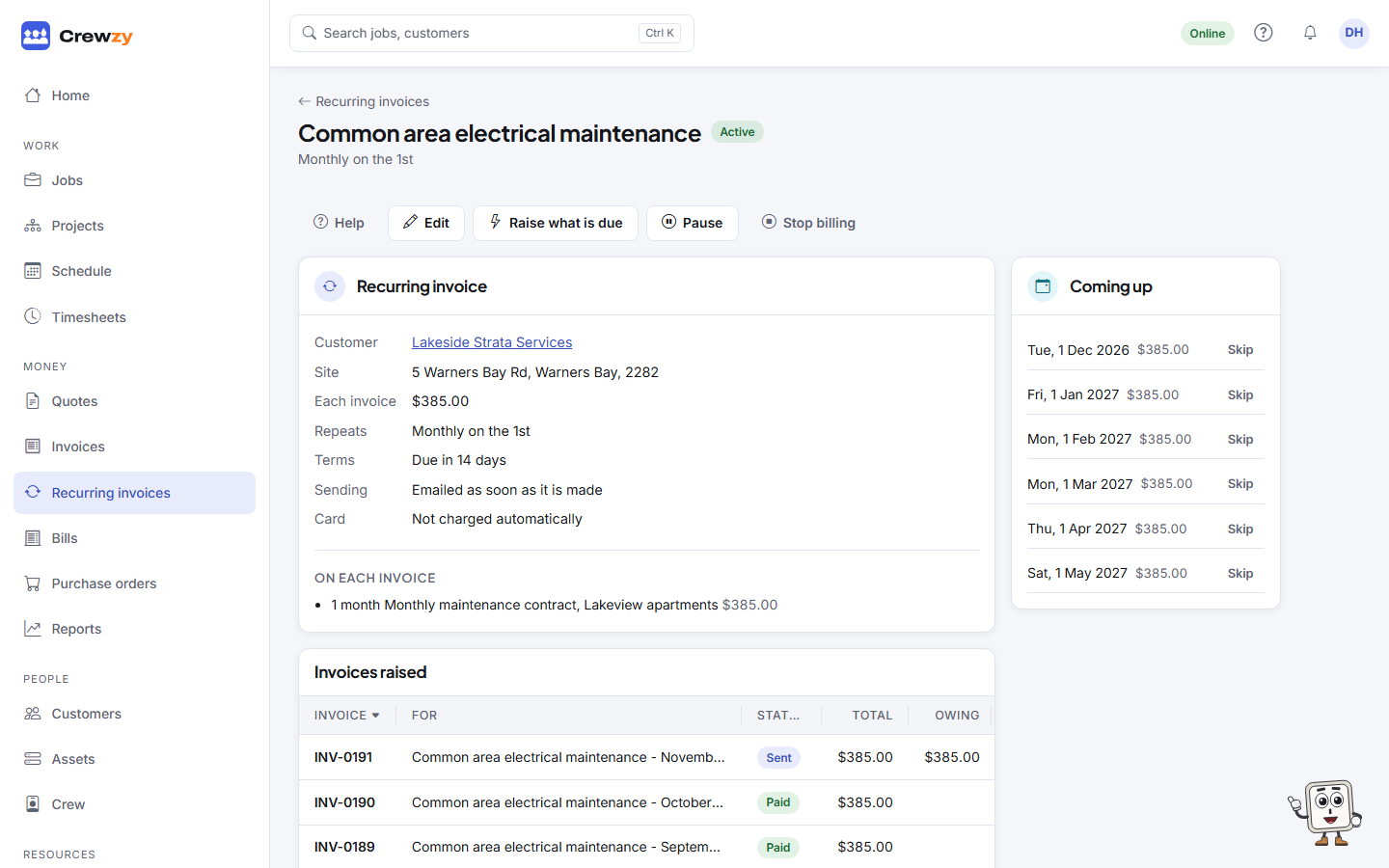
Pause
Press Pause to stop billing, for example while a customer's site is closed. Press Resume to start again.
Skip one period
Under Coming up, press Skip next to a period to leave it out. Press Bring back to put it back. A skipped period still counts towards "after a number of invoices".
A period that has already been invoiced cannot be skipped. Void that invoice instead, as long as nothing has been paid on it. Voiding does not raise the period again.
Stop for good
Press Stop billing, then Yes, stop it (or Keep billing to change your mind). No more invoices are made. Invoices already made stay as they are. A recurring invoice with an end date or a number of invoices stops by itself when it gets there.