How recurring invoices are made
When each invoice appears, what changes affect, and where to see what is coming.
Each period, once
On the day a period falls due, from 7am where your business is, its invoice is made and either emailed or left as a draft. Each period gets exactly one invoice. Even if something runs twice, you never get a double.
If the app was unavailable for a while, missed periods are caught up a few at a time, and the recurring invoice says how many are still waiting.
A first invoice date in the past starts billing from the day you set it up. Earlier periods are not billed.
After it is made
Each invoice is an ordinary invoice: it appears under Money, Invoices, has its own pay link, reminders and payments, and goes to Xero if connected. It says Raised by: A recurring invoice, with a link back.
Changing a recurring invoice
Press Edit on the recurring invoice. Changes affect the invoices still to come. Invoices already made stay as they were.
What is coming up
Open a recurring invoice to see:
- Coming up: the next invoices, with their dates and amount
- Invoices raised: every invoice made from it so far
- the saved card, if the customer has one
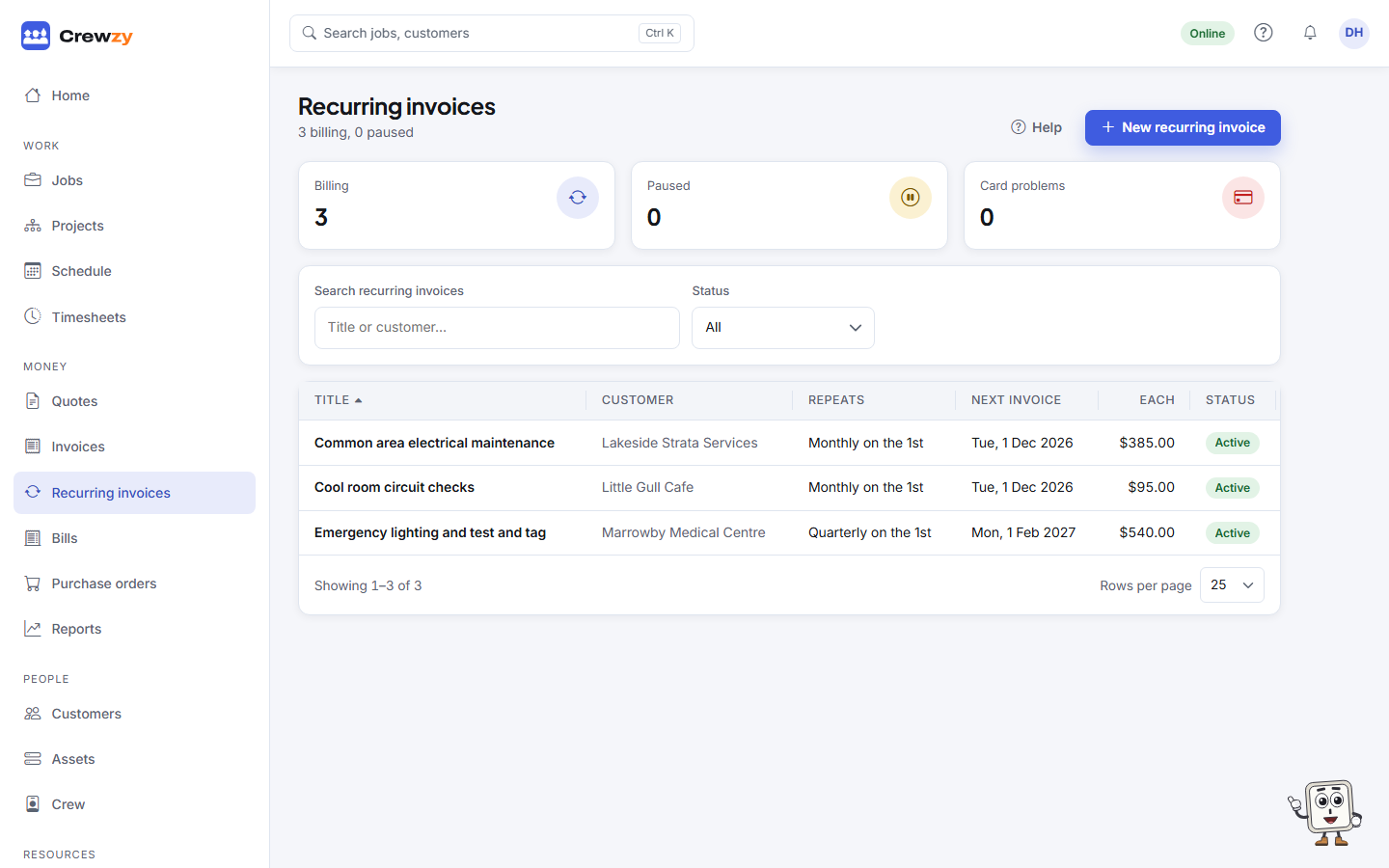
On the list, the figures at the top show how many are billing, paused, or have a card problem.
Raise what is due now
Press Raise what is due to make any invoice due today straight away, rather than waiting for the next run.