Set up a recurring invoice
Bill the same thing every week, month, quarter or year, such as hosting or a service contract.
A recurring invoice is a template and a schedule. Each time a period comes round, an ordinary invoice is made from it: same numbering, PDF, email, pay link and sync to your books as any other.
Good for website hosting paid monthly, a maintenance contract paid quarterly, or a licence paid yearly.
Go to Money, Recurring invoices and press New recurring invoice. You can also start one from a customer's Money tab: press New on the Recurring billing box.
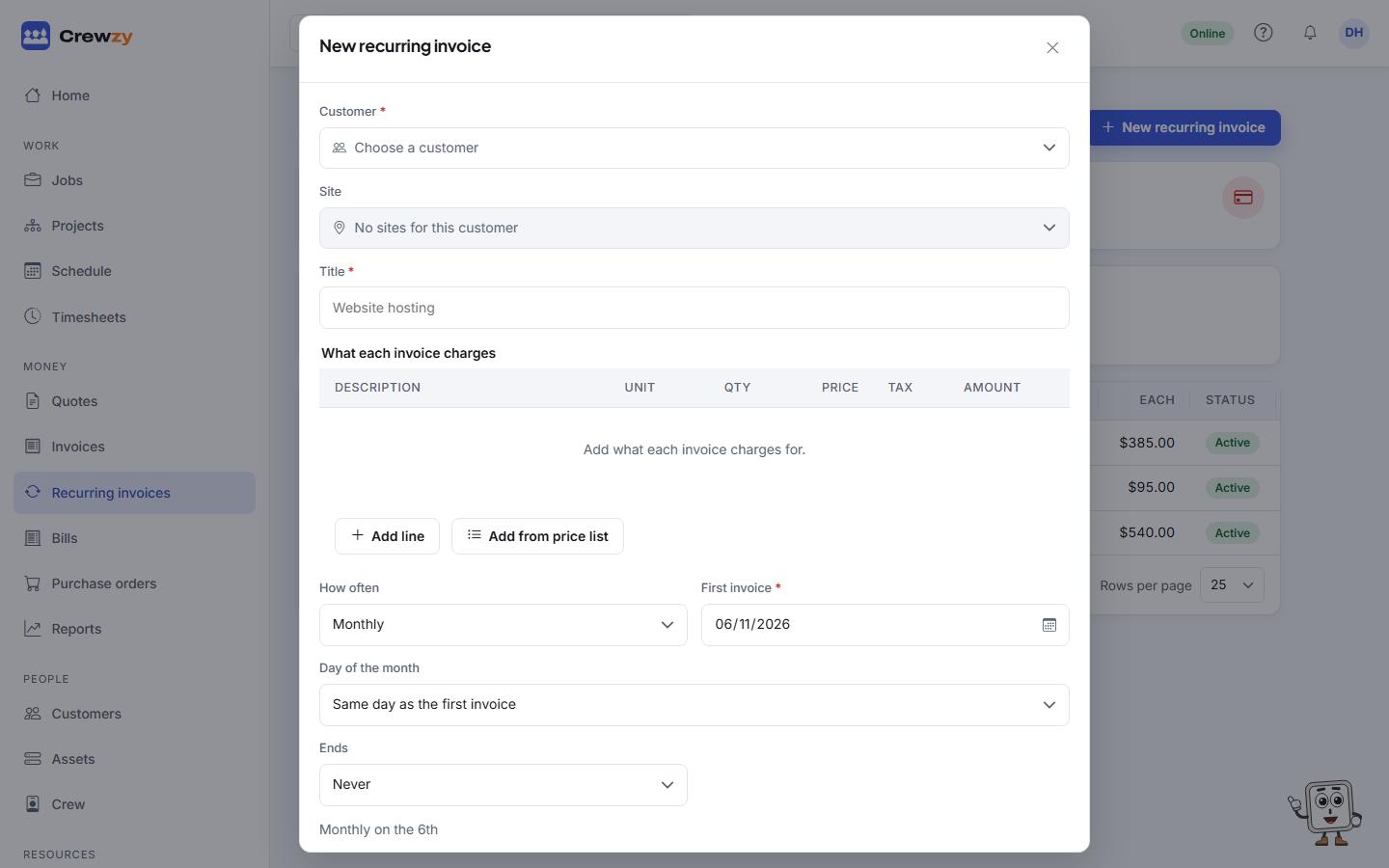
What each invoice charges
- Pick the Customer, and the Site if it is for one address.
- Give it a Title, such as "Website hosting". Each invoice adds the period to it, for example "Website hosting - October 2026".
- Add the lines, from your price list or typed in.
- Add any Notes for the customer.
When each invoice is made
| Field | What to choose |
|---|---|
| How often | Weekly, fortnightly, monthly, quarterly or yearly |
| First invoice | The date of the first one. Weekly and fortnightly invoices fall on the same weekday |
| Day of the month | For monthly and quarterly: the same day as the first invoice, or the last day of the month. A 31st falls on the last day of a shorter month |
| Ends | Never, on a date, or after a number of invoices |
| Payment terms | How long the customer has to pay each one |
Then choose what happens to each invoice as it is made:
- Email it to the customer straight away, or
- Leave it as a draft for me to check and send. You get a notification when one is waiting.
Tick Charge the customer's saved card when each invoice is sent to take the payment automatically once the customer has saved a card. It cannot be ticked with Leave it as a draft. See Paying by saved card.
Press Set up. If an invoice falls due today, it is made straight away.