Vehicles and equipment
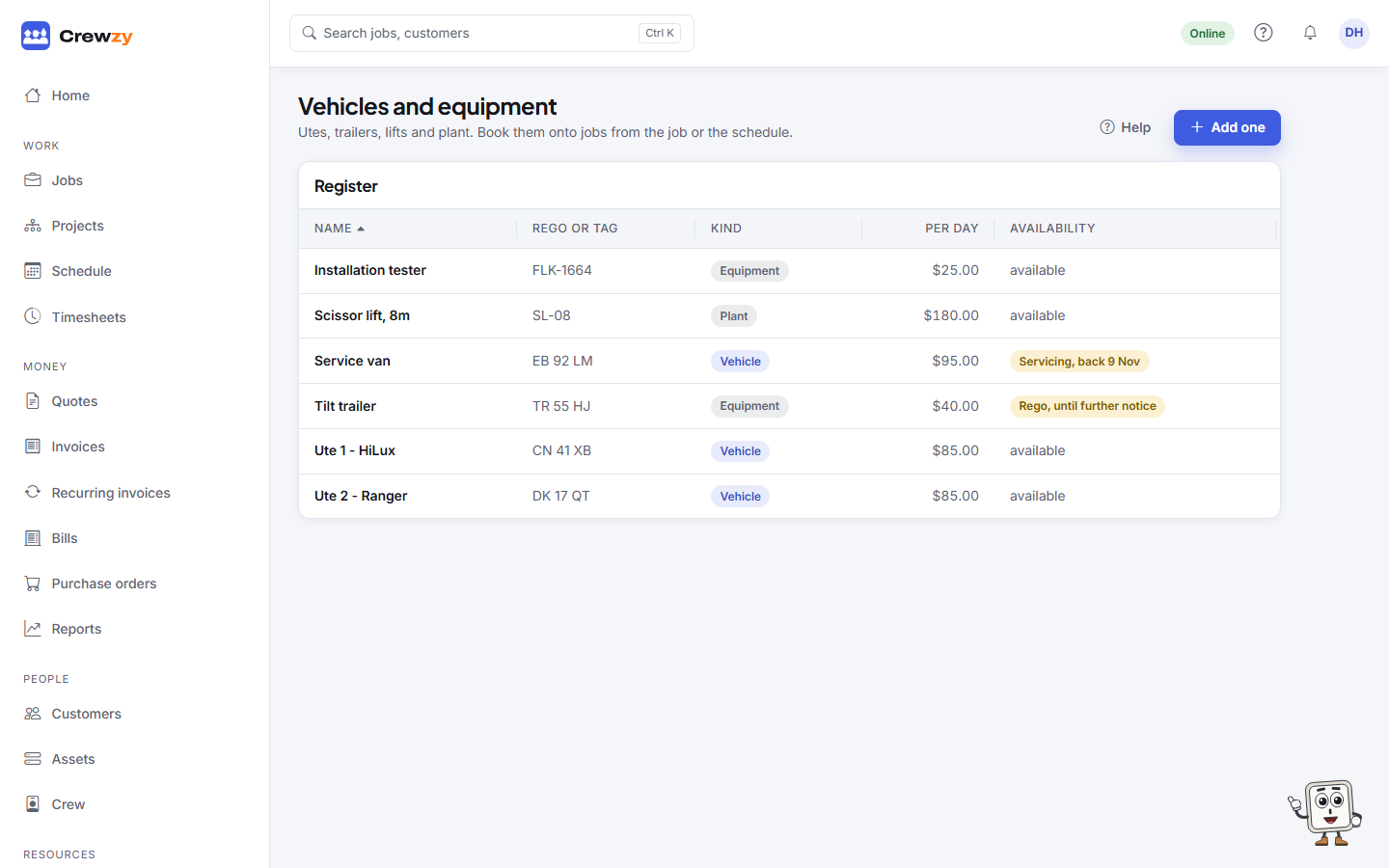
Keep a register of utes, trailers, lifts and plant, book them onto jobs and mark them off the road.
Go to Resources, Vehicles and equipment.
Add one
Press Add one and fill in the Name (for example "Ute 2"), the Kind (vehicle, equipment, plant or other), a Cost per day if you want hire costed to jobs, and any Notes. Press Add.
Click an item to change it. File its rego, insurance and service records in its documents card.
Book it
Book a vehicle or piece of equipment onto a job from the job page, from the New job form, or by dragging a job onto its row on the schedule. A booking that overlaps another is shown as a clash.
With a Cost per day, booked hire is costed to the job: a day for each full 24 hours, and the rest over an eight-hour day.
When it is off the road
Click the item and, under Availability, fill in Unavailable from, a Reason, and the Last day it is off. Leave the last day blank for "until further notice". Press Mark unavailable.
- Bookings in that time are refused.
- The time is greyed out on the schedule.
- Press Back in service when it returns.