Create an invoice without a job
Invoice for anything, such as a sale of parts or a one-off charge.
Not every invoice comes from a job. Go to Money, Invoices and press New invoice.
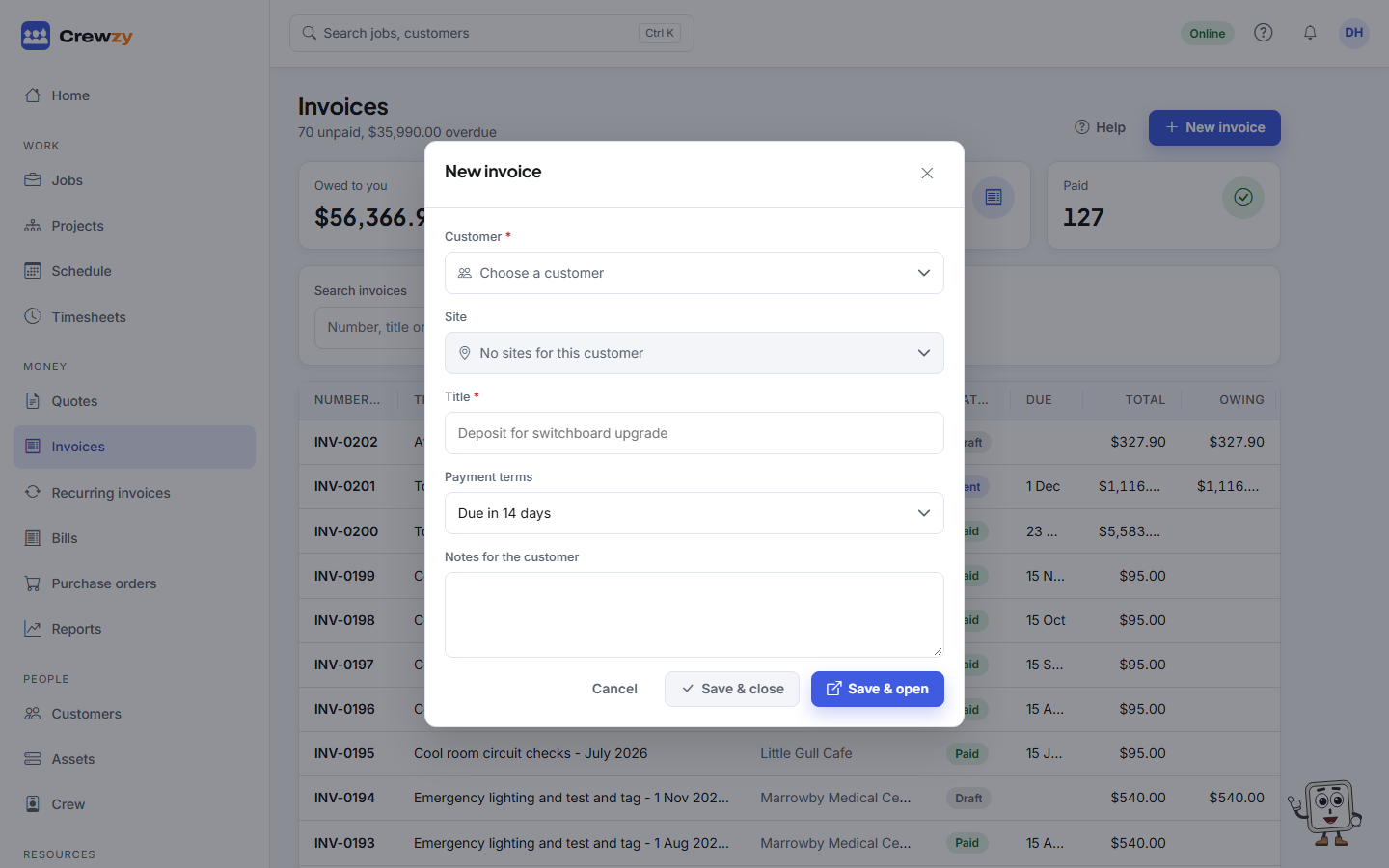
- Pick the Customer, and the Site if it is for one address.
- Give it a Title, such as "Replacement smoke alarms".
- Choose the Payment terms: due on receipt, 7, 14 or 30 days, or no due date.
- Add any Notes for the customer.
- Press Save & open, or Save & close to carry on with the list.
The invoice opens as a draft. Add lines with Add line or Add from price list, check the totals, and press Send.