Take the tour
A short walk around Crewzy with your assistant, and a quick look at new features when they arrive.
The first time you open Home, your assistant walks you around the app: the cards on Home, how to arrange them, the menu, Settings, your profile and where to find the assistant again. It takes about a minute.
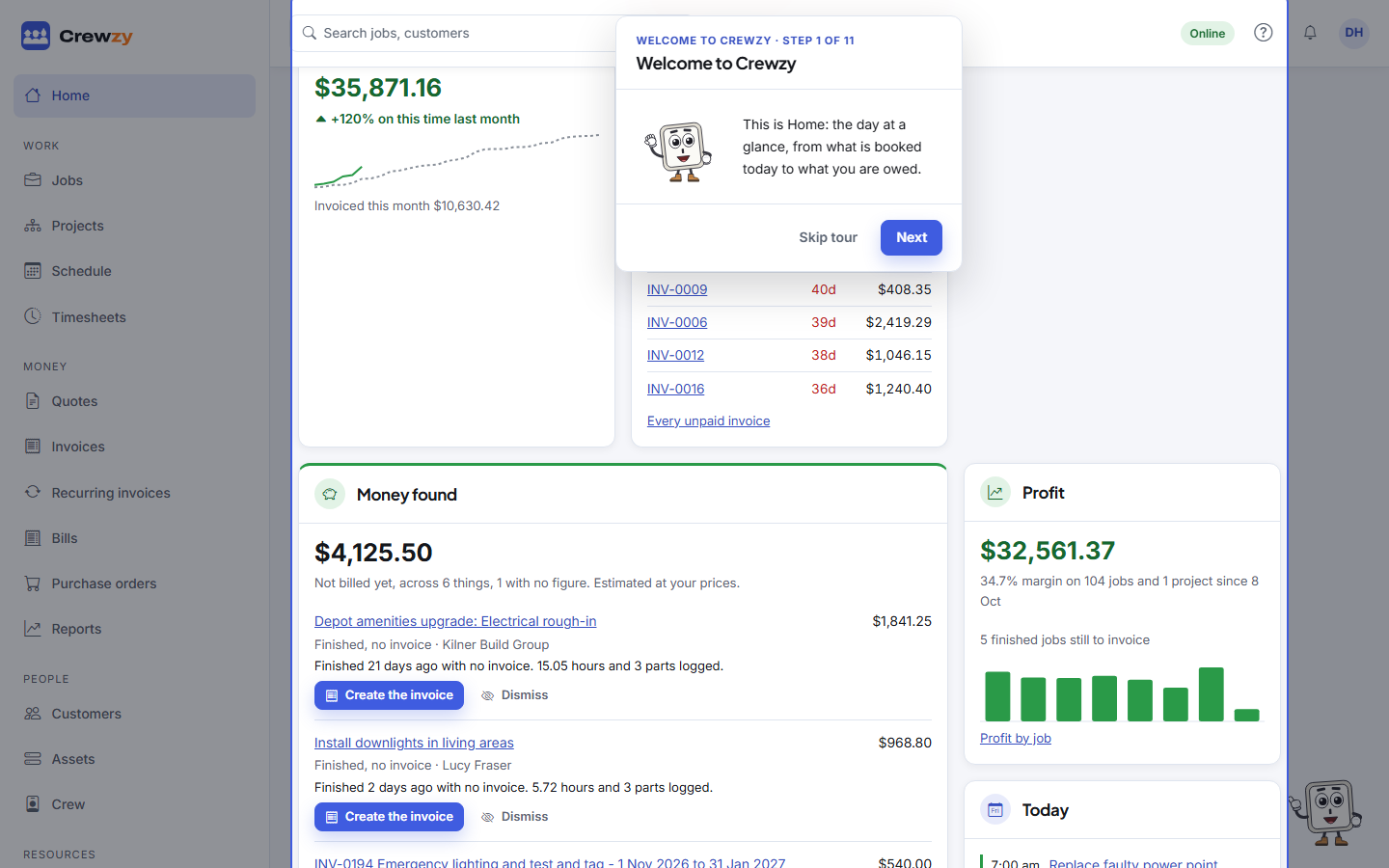
Move through the tour
- Press Next to go on and Back to go back. Each step points at the part of the screen it is about.
- Press Skip tour at any time, or press Escape and choose Skip tour. You can take it again later.
- It works with the keyboard alone: Tab moves between the buttons and Enter presses one.
- On a phone, steps about things a phone does not show, such as the side menu, are left out.
Take it again
Open your profile menu at the top right and choose Replay the welcome tour. Signed-in people can also start it from the help centre home page.
Show me
Besides the tours, the assistant can walk you through one screen when you ask how to do something there, such as connecting Xero or voiding an invoice. Press Show me under its answer. See Show me.
New features
When something new arrives, such as drafting an invoice with AI or job sheets spoken by your crew, a short tour shows it once, the next time you open the screen it is on. It only shows to people who were already using Crewzy when the feature arrived, and never more than one tour in a visit.
For the owner
Tours are on for everyone you add. To stop them, go to Settings, AI assistant and untick Show tours to new team members. You always get them yourself.