Find an asset
Search by serial, make, model, customer or address, and filter by type, status and warranty.
On the Unlimited plan. Assets you already have stay searchable on every plan.
Go to People, Assets.
Search
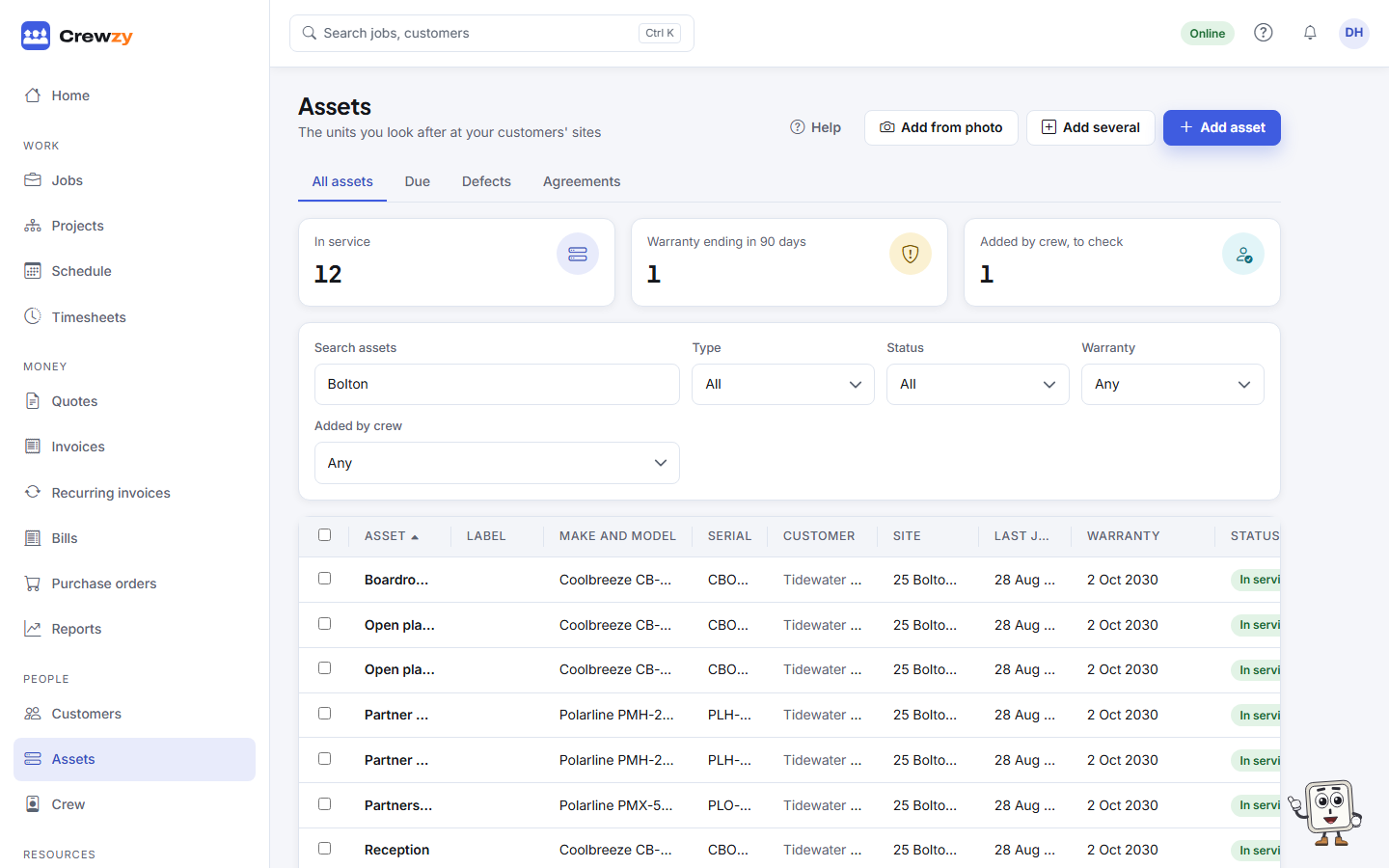
The search box finds a unit by its label, its serial (including a split system's indoor and outdoor serials), make, model, name, location, customer or address. Type part of any of them, such as a street name or the last few digits of a serial.
The search at the top of every page finds assets too.
Filter
- Type: split systems, switchboards, or whatever types you have.
- Status: in service, removed or replaced.
- Warranty: ending in the next 90 days, or already ended.
- Added by crew: units the crew added on site that nobody in the office has checked yet.
The counts at the top show how many units are in service, how many have a warranty ending in 90 days, and how many the crew added for you to check. Sort by any column, such as Last job or Warranty.
A customer's units
A customer's Assets tab lists their units across all their sites, and their Sites box shows how many each site has.
Ask the assistant
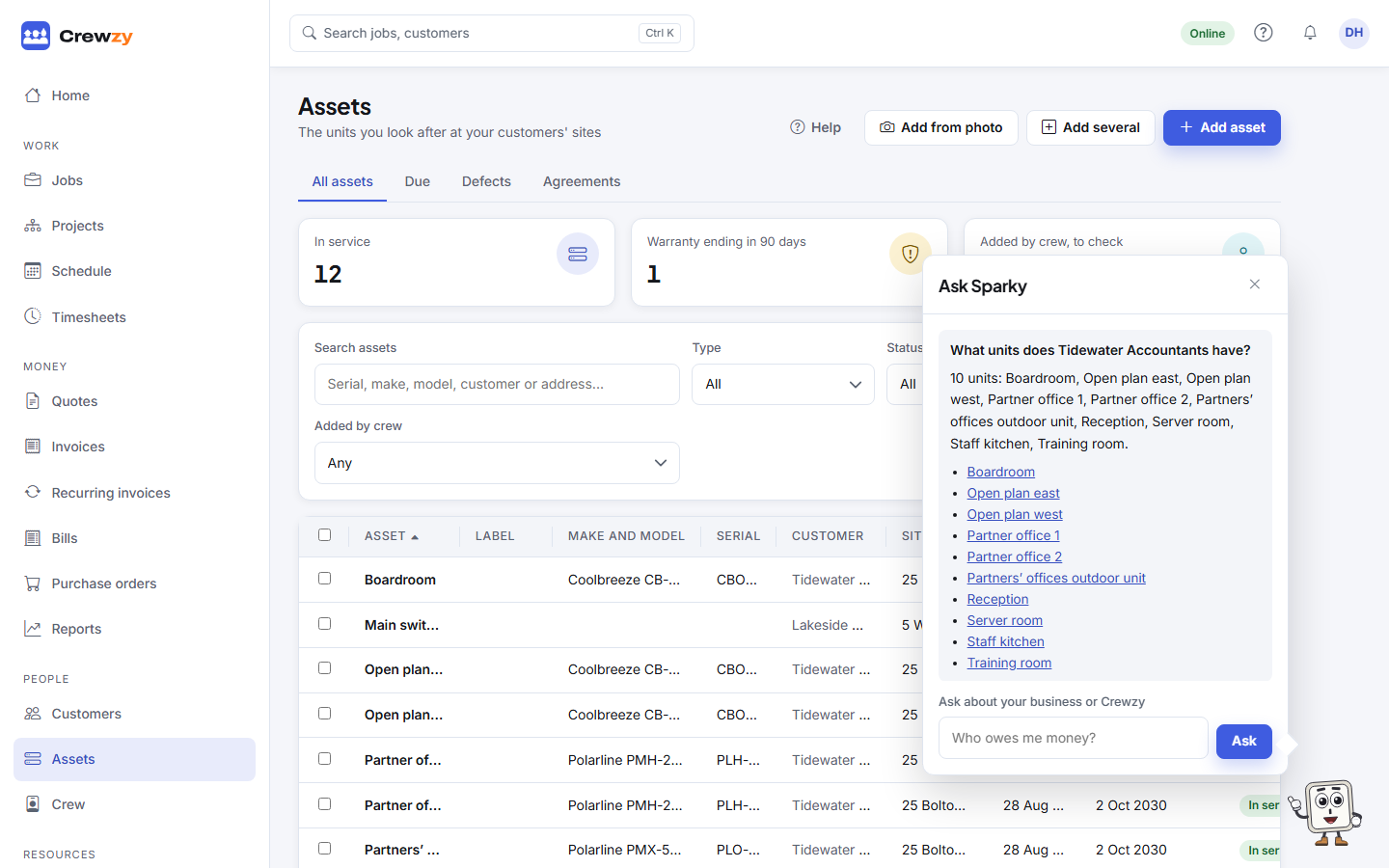
Ask the assistant in your own words, such as "What units does Tidewater Accountants have?" or "When was the boardroom unit at Bolton St last serviced?". It answers with links to the units.